Overview
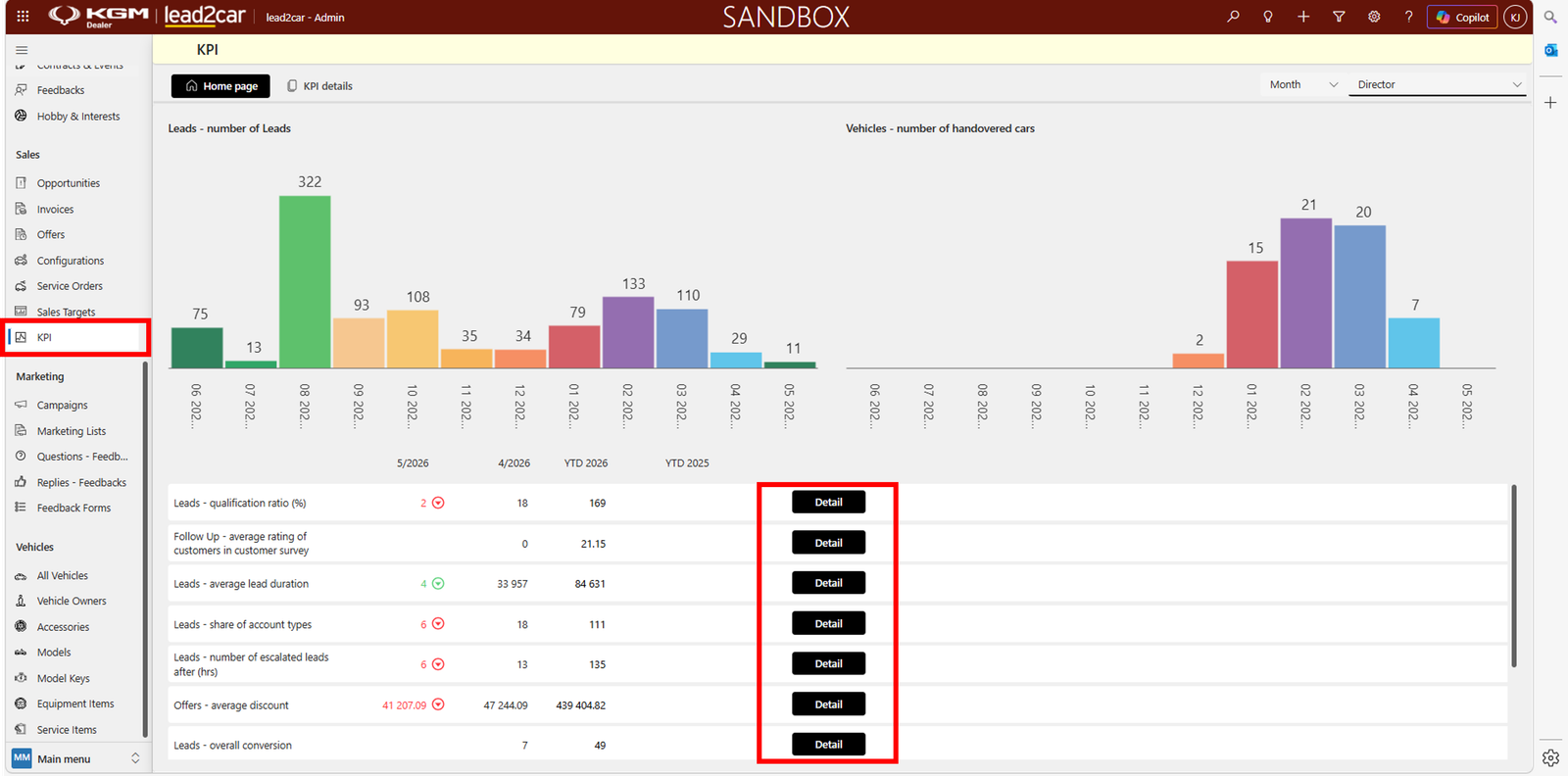
The KPI dashboard provides an overview of key performance indicators in the system. It allows users to track important metrics directly in lead2car.
KPI homepage
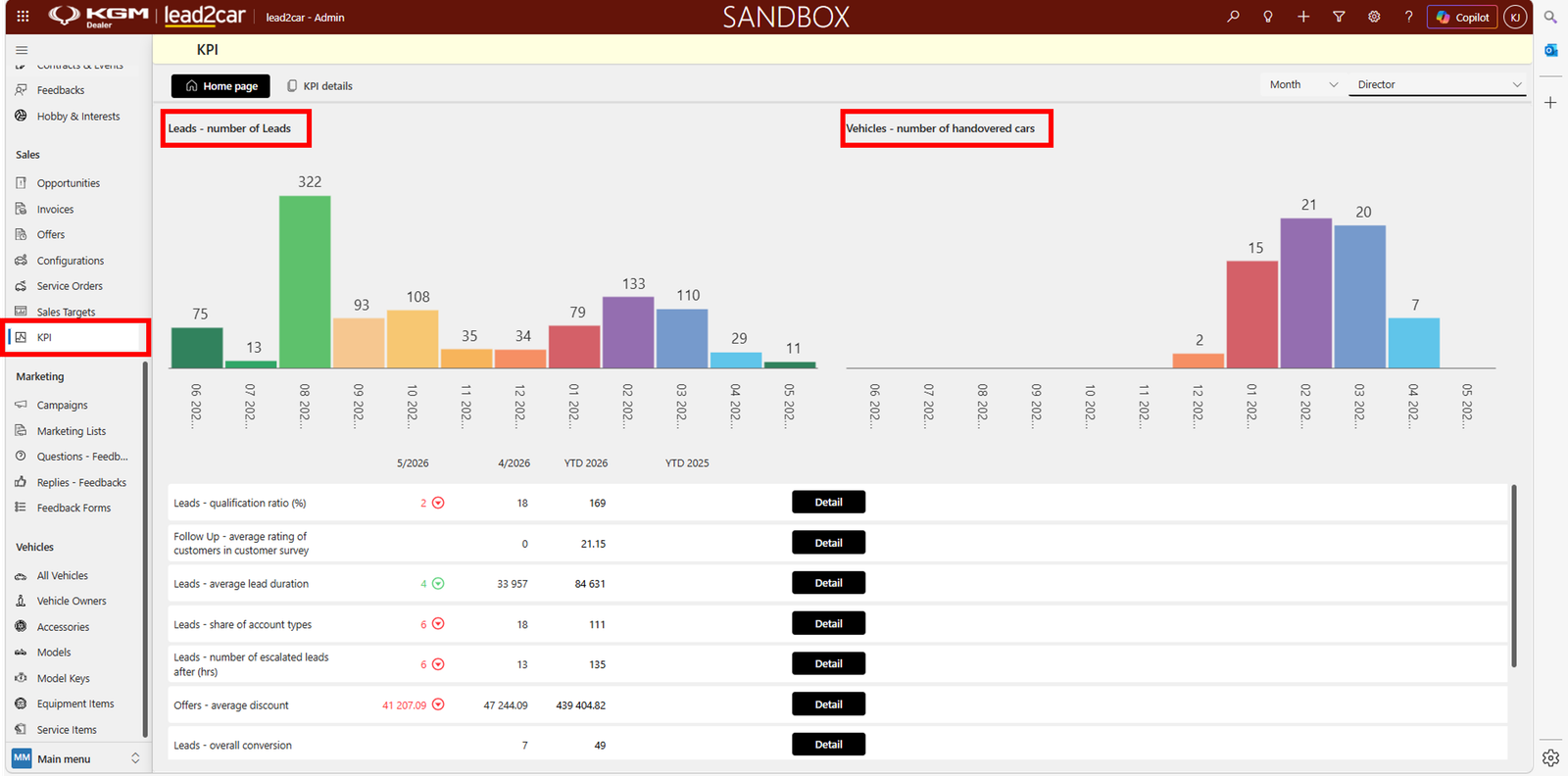
The KPI homepage displays the most important indicators based on the user’s role:
- Number of leads
- Number of handovered vehicles
- Other key metrics
The dashboard includes charts and summary values to give a quick overview of performance.
Below the charts, additional KPI metrics are displayed with basic values and a Detail button.
KPI details
The KPI Details section allows users to view all available KPIs. You can:
- Select KPI category (e.g. leads, sales)
- Filter data based on different criteria
- Change the view (e.g. by branch, by salesperson)
The same data can be displayed from different perspectives to better understand performance.
Users can also:
- View trends over time
- See percentage changes
Clicking Detail opens more information about a specific KPI.