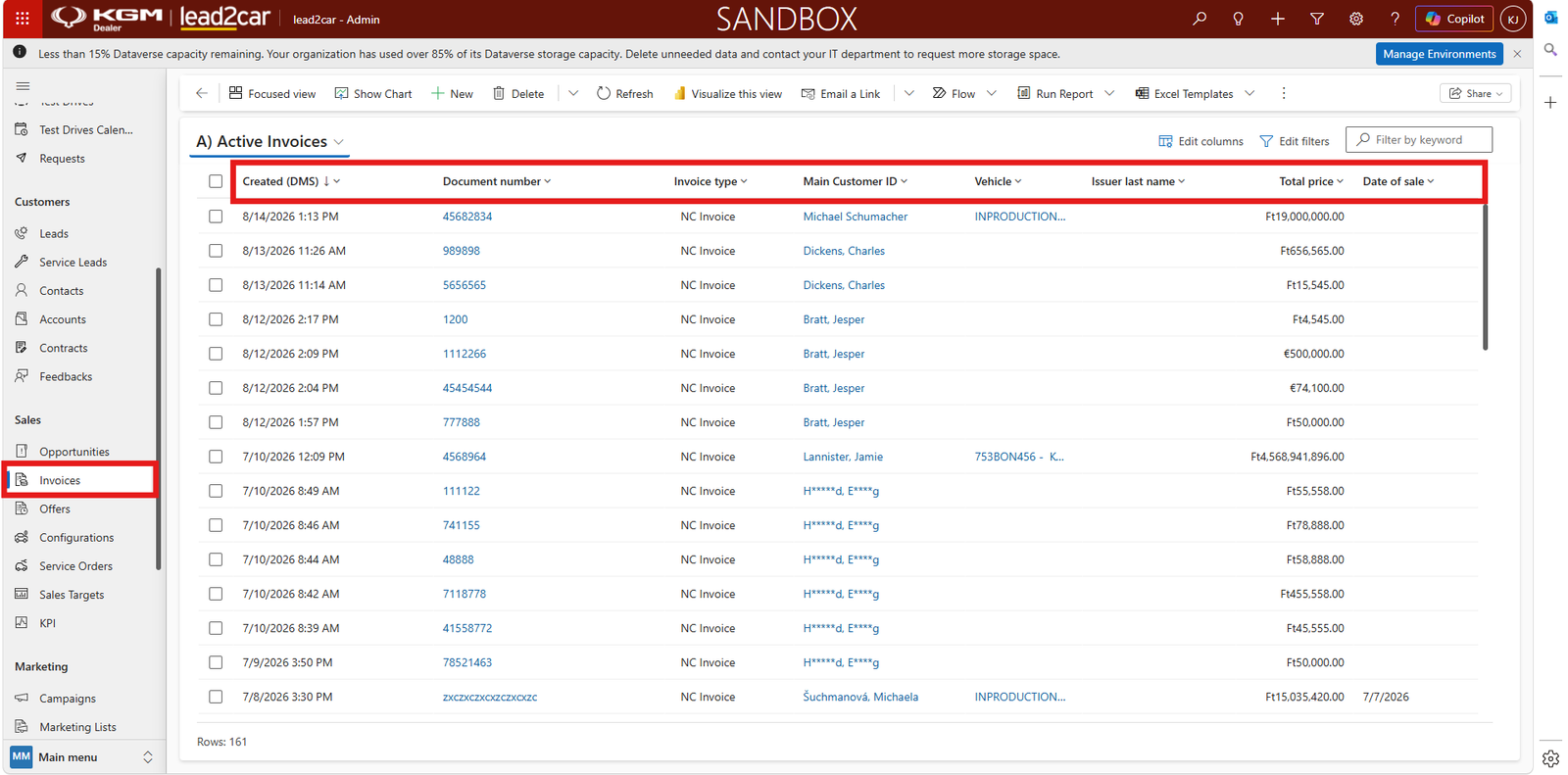
Invoices overview
The Invoices section provides an overview of invoices available in lead2car.
Open Invoices from the navigation menu to display the invoice list. The list contains available invoice records and their basic information.
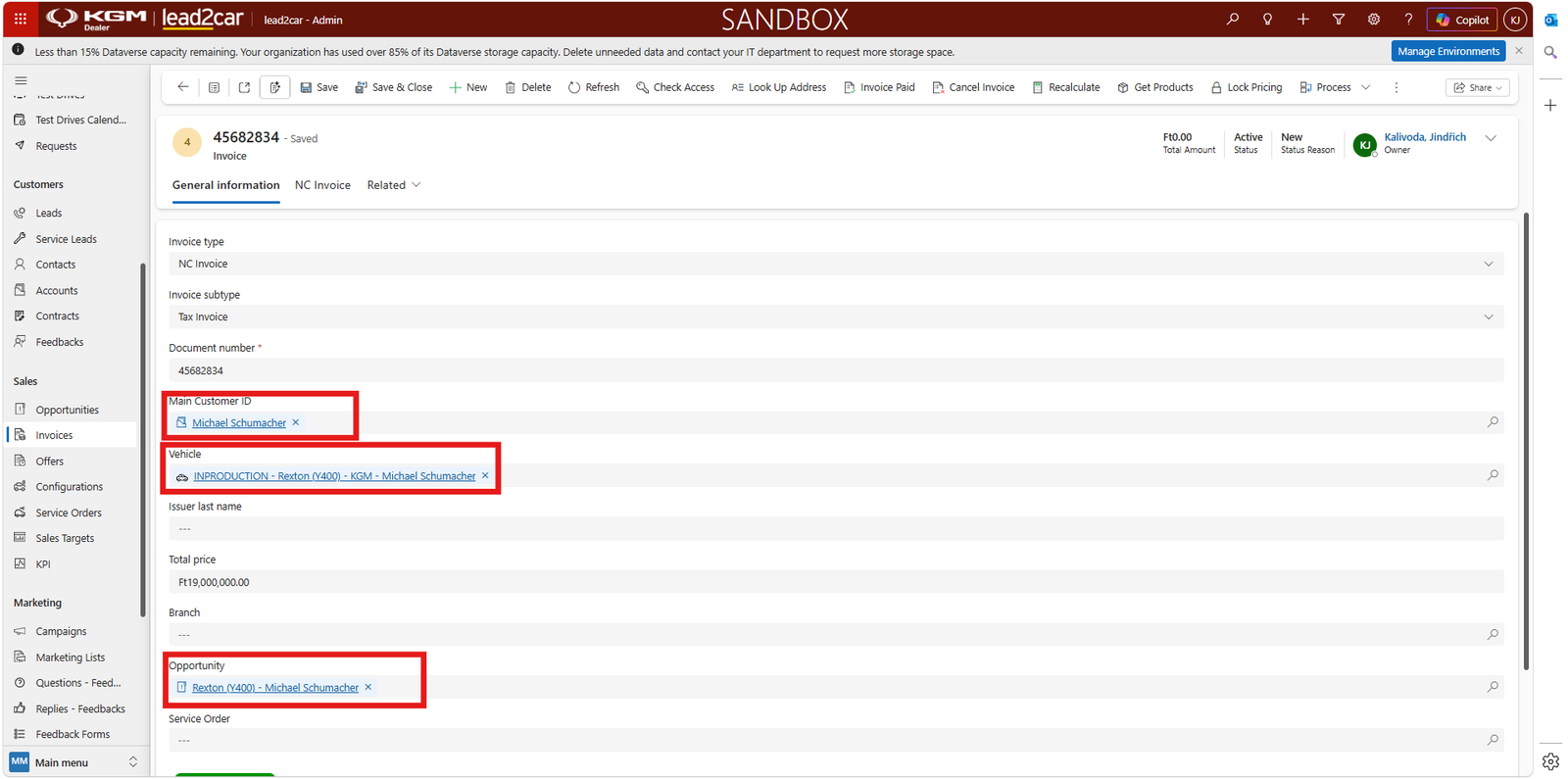
Creating a new invoice
To create a new invoice, open the Invoices section and select + New from the command bar.
Complete the required information in the new invoice form. The form contains fields such as:
- Invoice type
- Invoice subtype
- Document number
- Main Customer ID
- Vehicle
- Total price
- Amount VAT
- Opportunity
- Order number
- Service Order
- Invoice status
Fields marked with an asterisk are required. After entering all required information, click Save or Save & Close in the command bar.
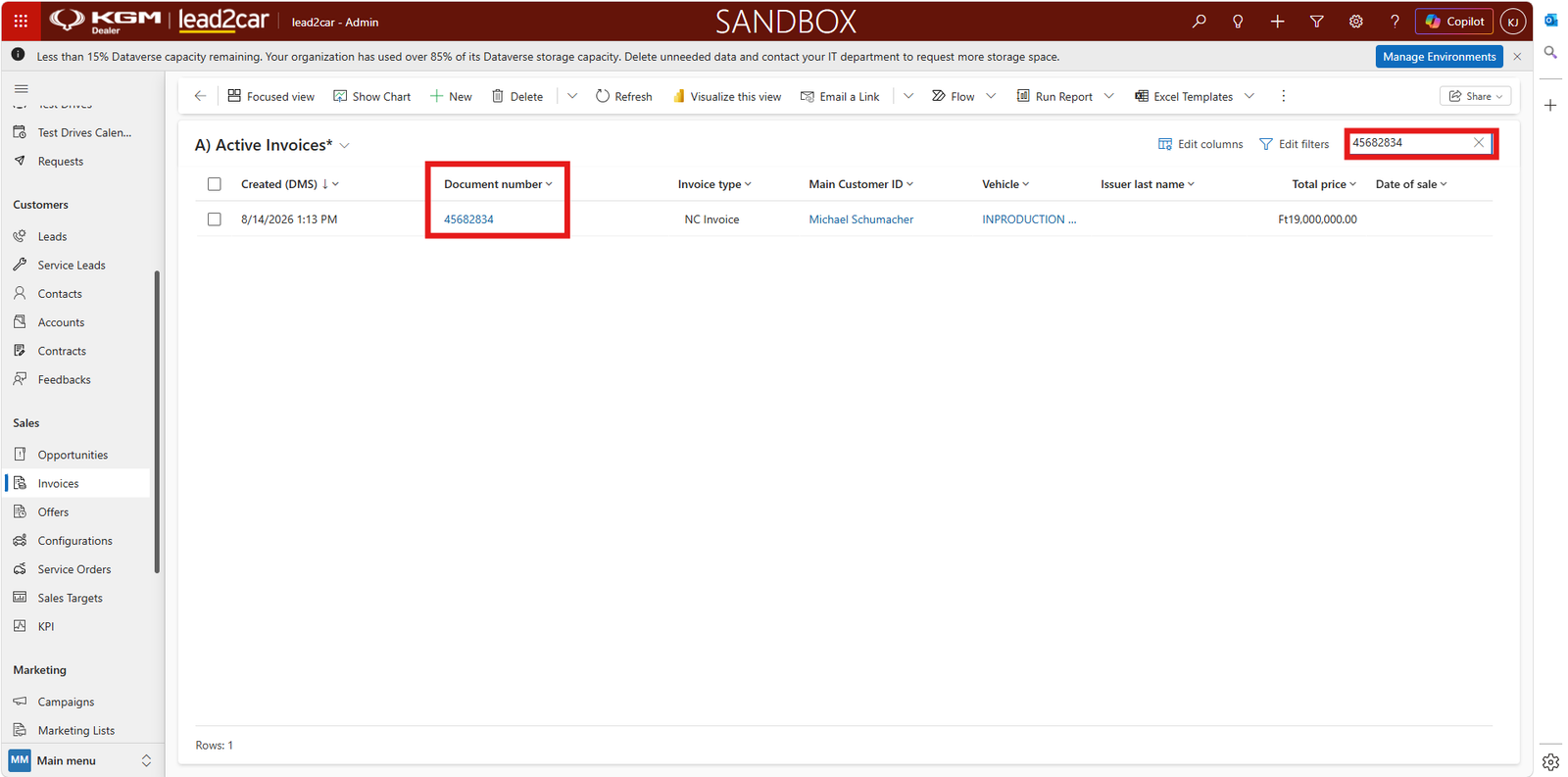
Searching and filtering invoices
Use the search field and available filters to find a specific invoice.
Depending on the available information, invoices can be located using values such as the invoice number, customer, vehicle or date.
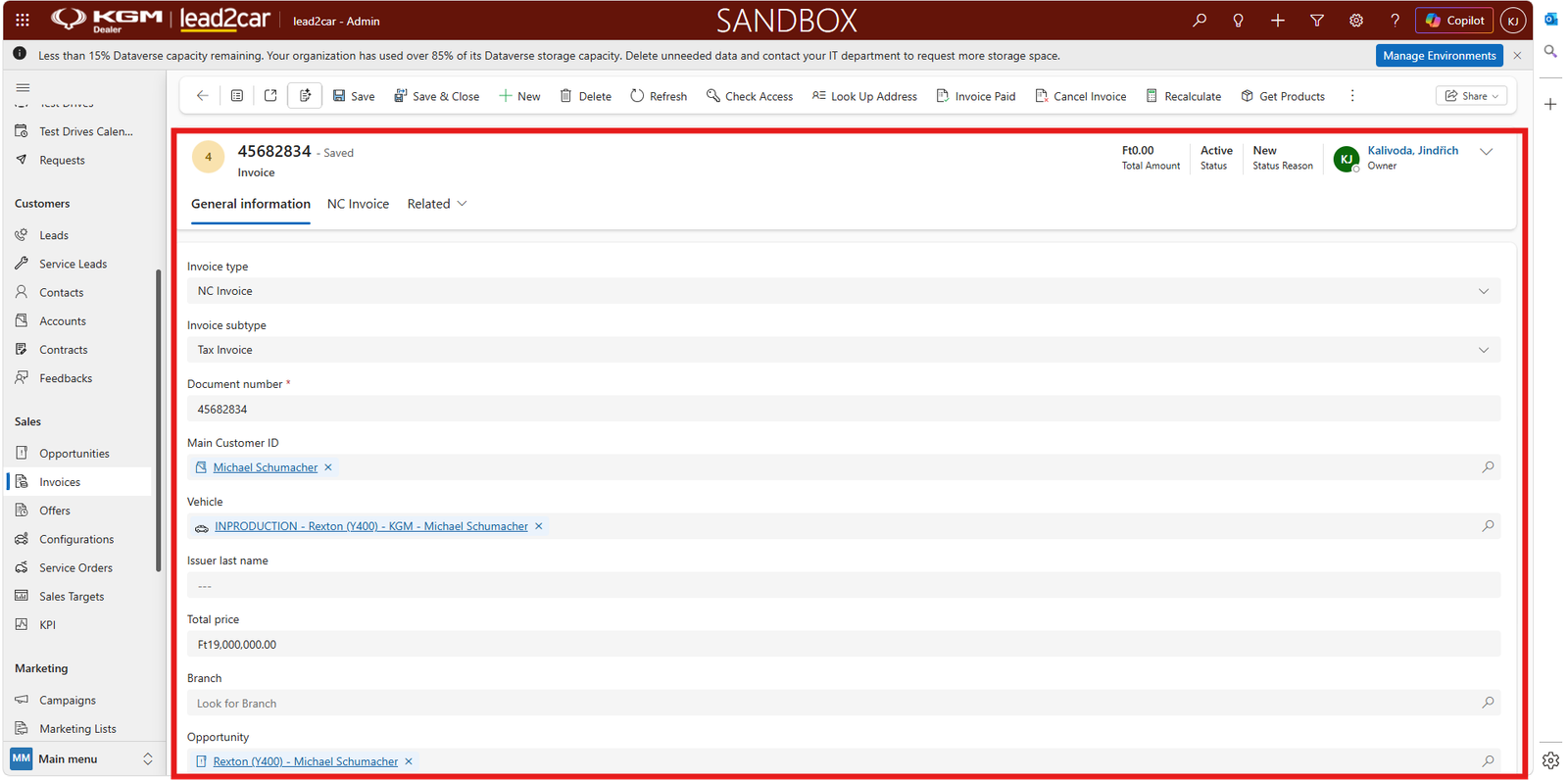
Reviewing invoice details
Select an invoice from the list to open the invoice record and review the available information.
The invoice record may contain details such as:
- Invoice number
- Invoice date
- Customer
- Vehicle
- Invoice amount
- Invoice status
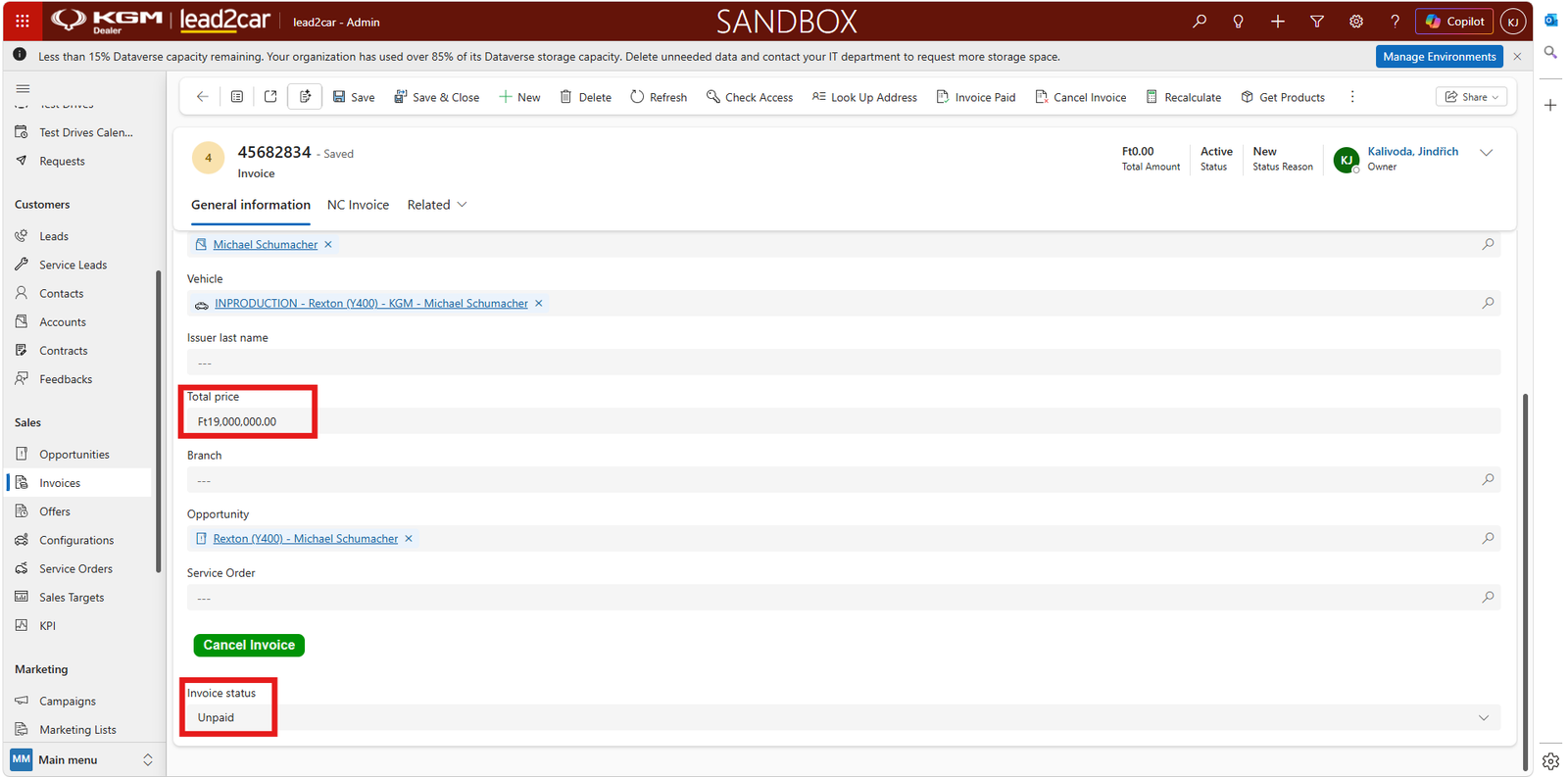
Related records
Use the related fields and links in the invoice record to open connected information, such as the customer, vehicle, opportunity, order or service order.
Related records provide additional context and make it possible to review the complete information connected with the invoice.