Overview
Requests are used to handle approvals and changes that require authorization from another user.
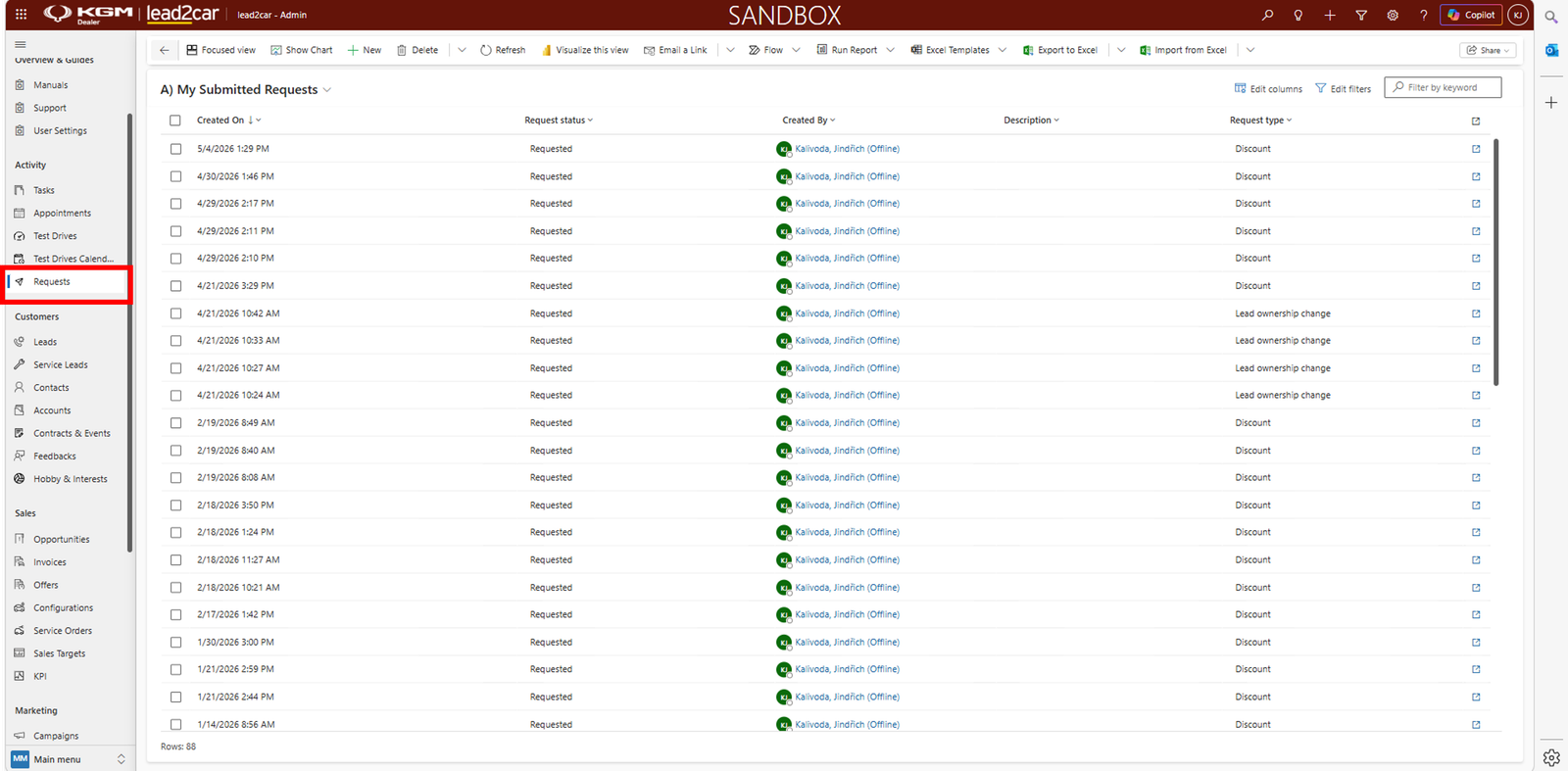
The Requests section can be found in the left menu. All submitted requests are displayed in a list with information such as:
- Creation date
- Status
- Created by
- Request type
Request types
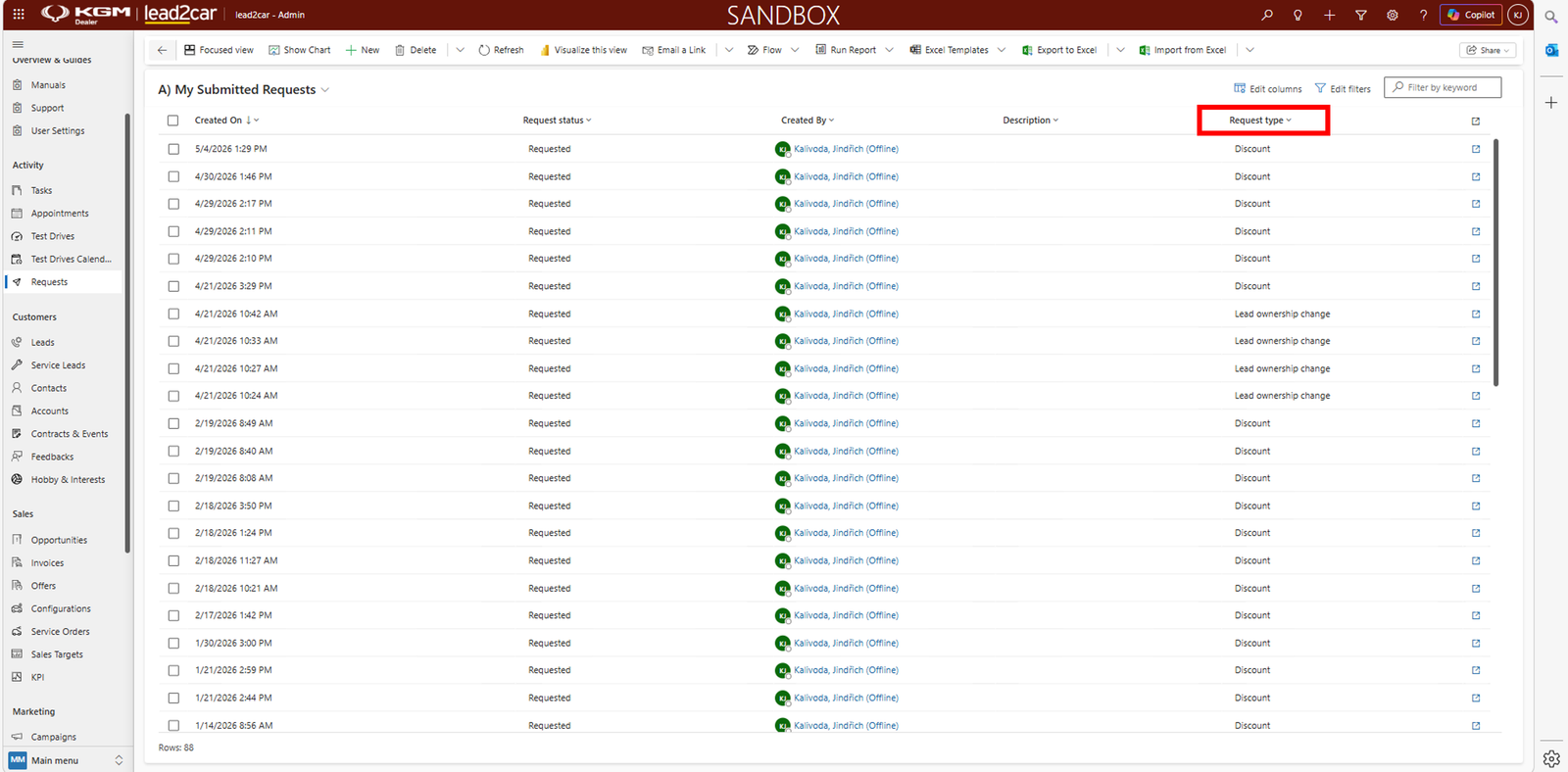
There are two main types of requests in the system.
Discount request
- Used when a higher discount needs approval
- The request is sent for approval to authorized users
- After approval, the discount can be applied to the offer and the offer can be sent to the customer
Lead ownership change request
- Used to request reassignment of a lead to another user
- Requires approval before the ownership can be changed
Managing requests
All requests can be viewed and managed in the Requests section. Each request has a status, for example:
- Requested
- Approved
- Rejected
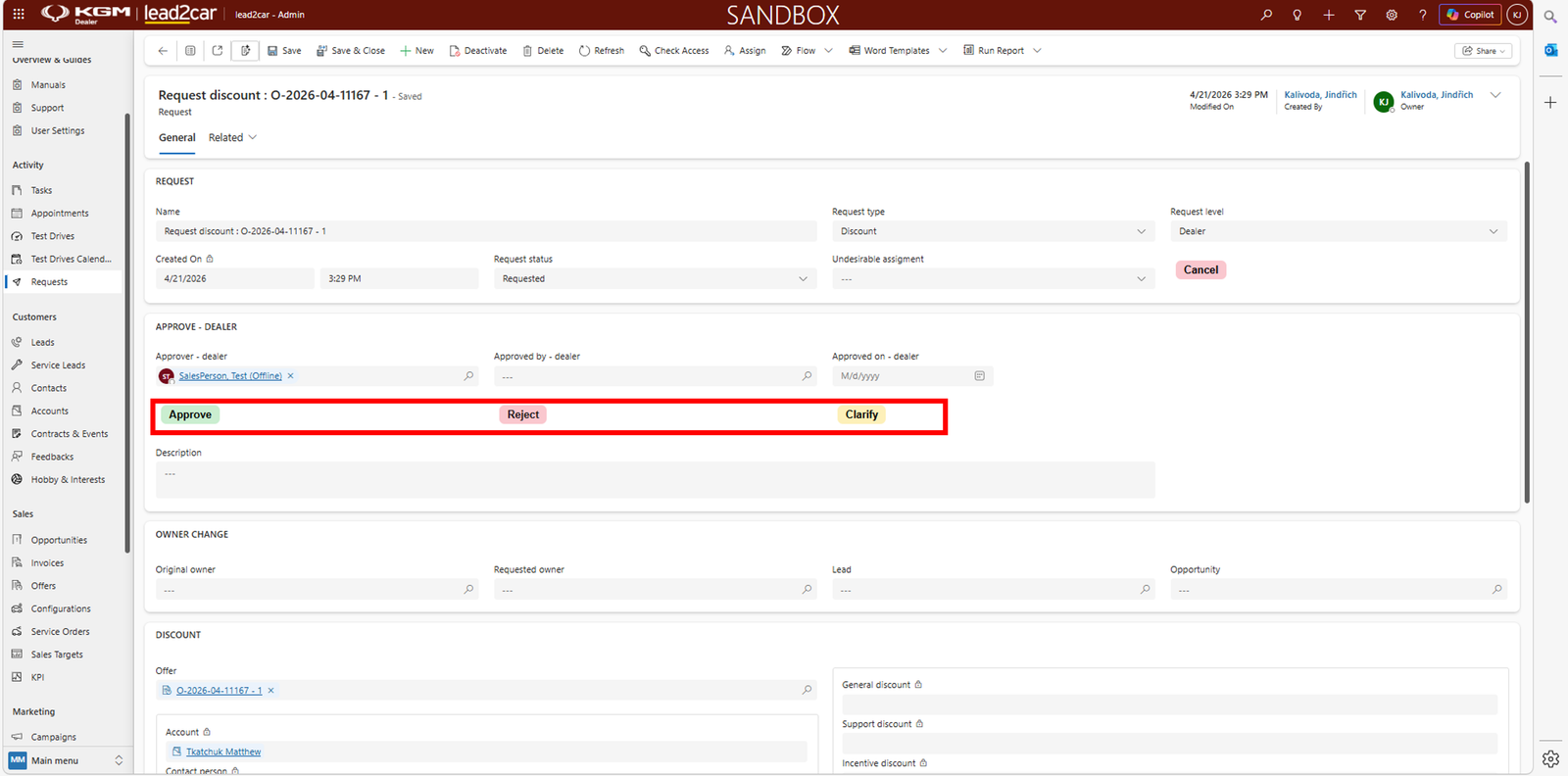
The user can open the request to review its details. Depending on permissions, users can:
- Approve – approves the request
- Reject – rejects the request
- Clarify – returns the request to the requester for additional information
Why it matters
This ensures that important changes, such as discounts or ownership
changes, are properly controlled and approved.