Overview
Service leads are automatically generated leads based on customer and vehicle lifecycle events. They are mainly used to remind users to contact customers and offer follow-up services.
- Service visits
- Technical inspections
- Contract expiration
- Vehicle-related events
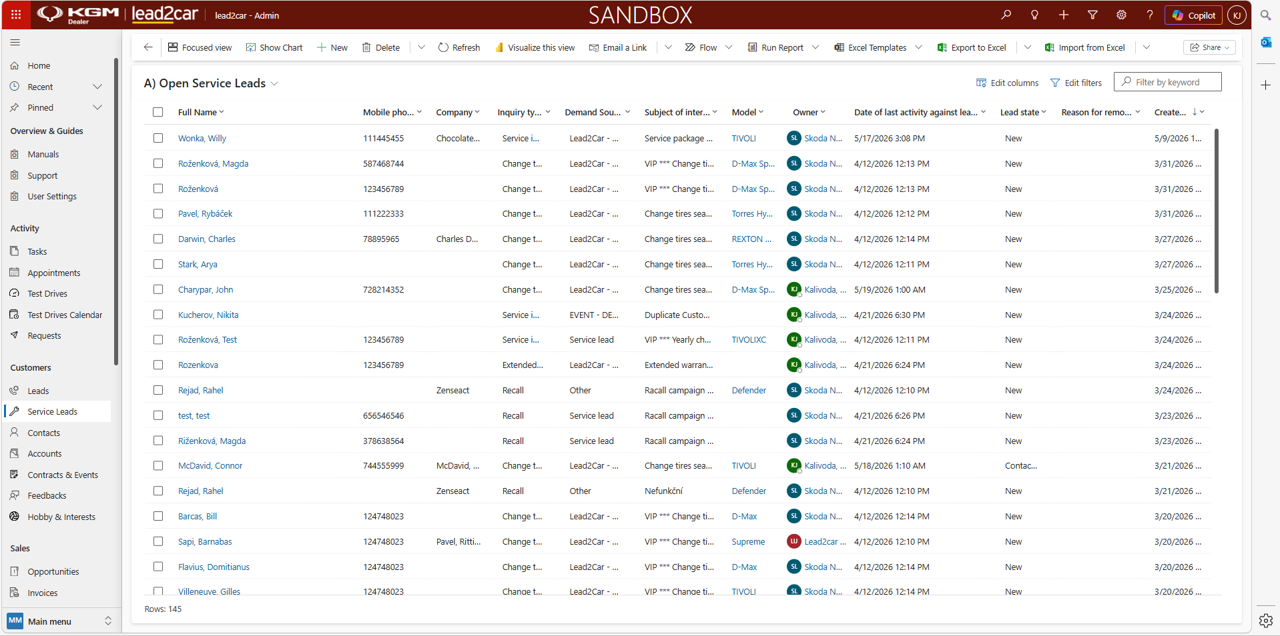
Automatic lead creation
Service leads are created automatically based on predefined conditions. Each event has a defined time window when the lead can be created.
If multiple events occur within a short time period, the system groups them into a single lead.
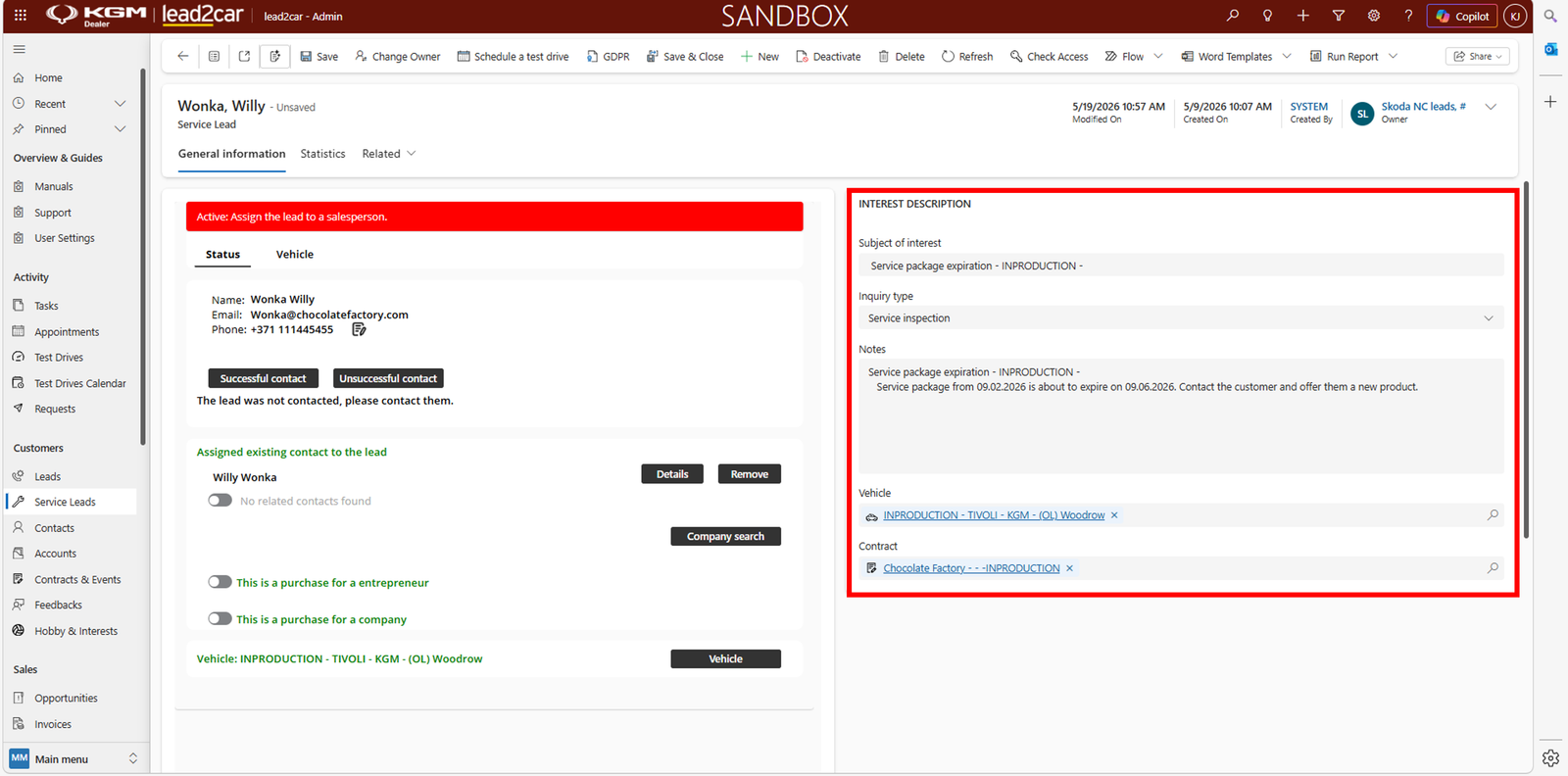
Managing service leads
Service leads are available in the Service Leads section, where you can:
- View created leads
- Check lead history
- Contact the customer
After the lead is created, the user should contact the customer and take appropriate action.
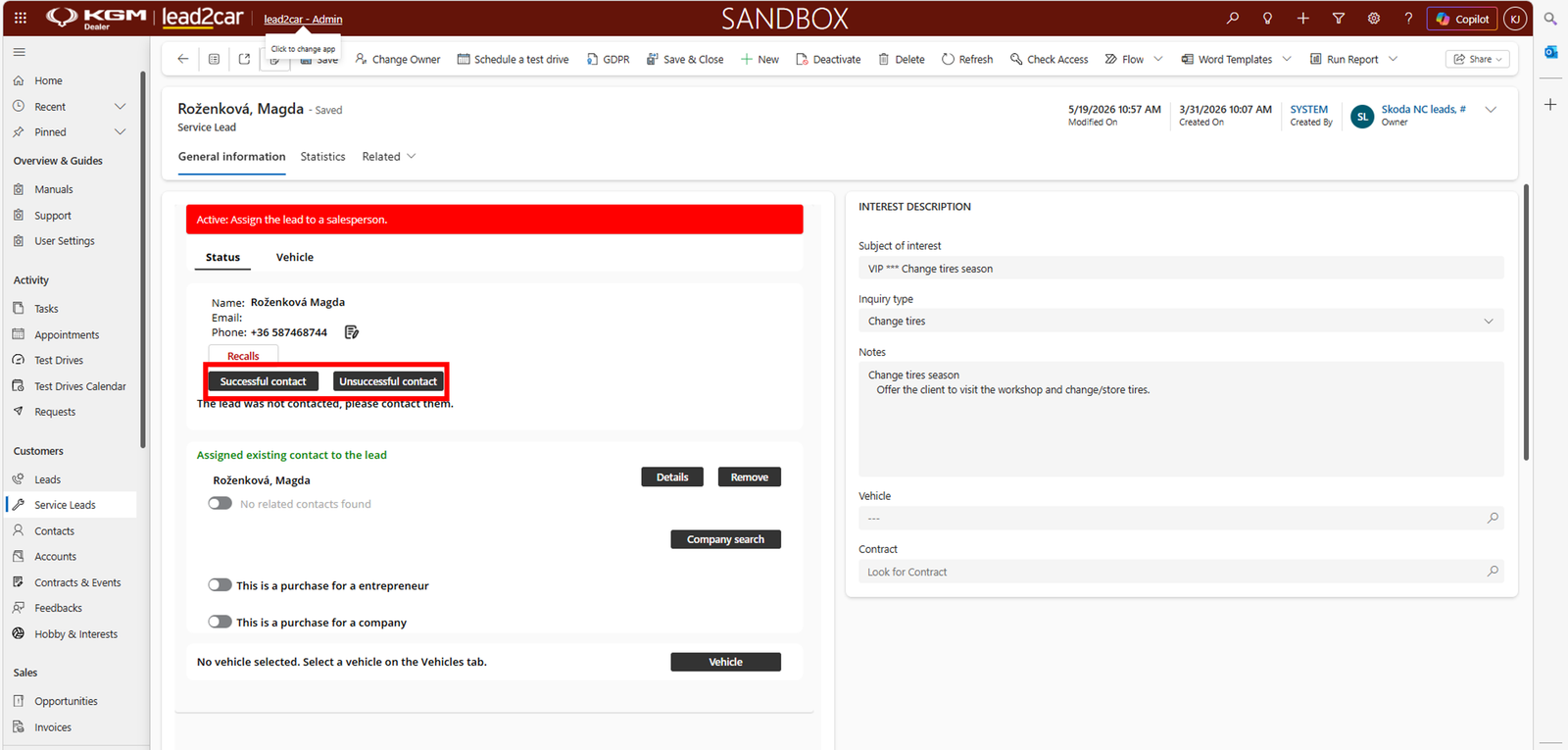
Recalls (service campaigns)
Service leads can also be created based on recalls or service campaigns:
- Safety recalls
- Mandatory service actions
- Vehicle updates or fixes
These leads ensure that customers are contacted and invited to visit the dealership.
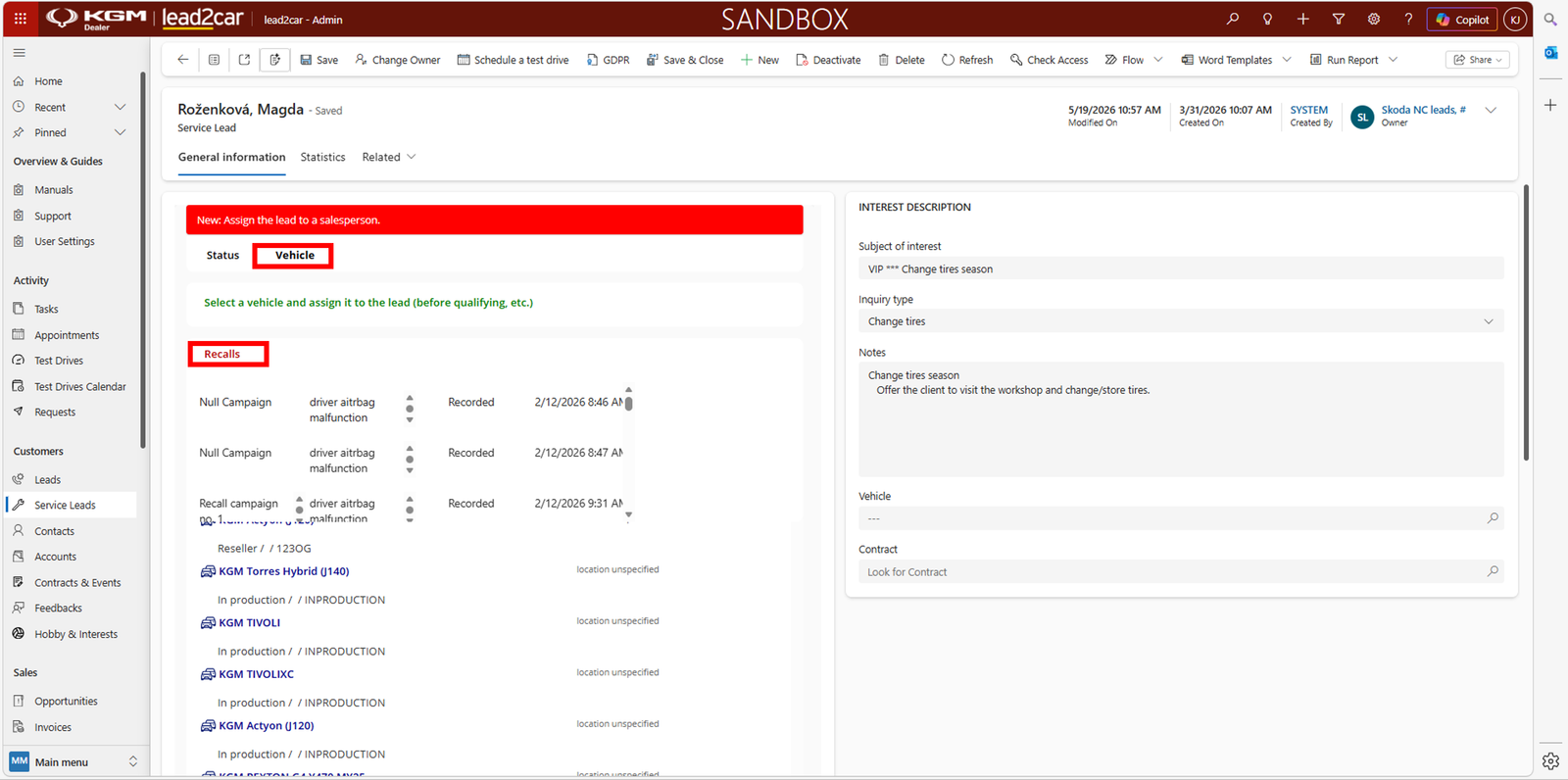
Lead disqualification
If the customer is not interested, the service lead should be disqualified.
- Select the appropriate disqualification reason
- Optionally add a note
This ensures the lead is correctly closed and will not require further action.
