Tasks
Tasks are used to manage activities related to customers, leads, vehicles or any other records in the system.
Creating a task
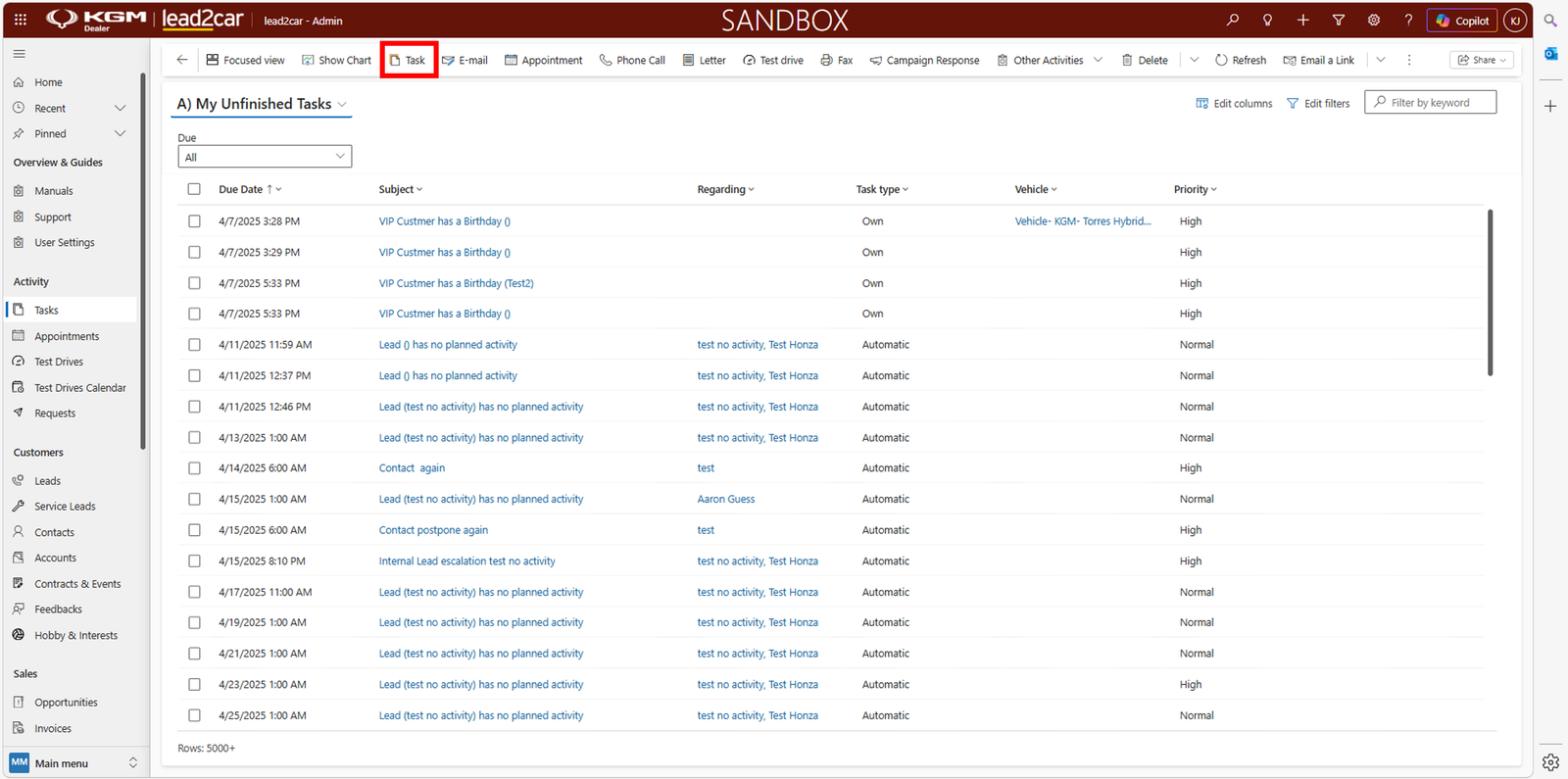
- Go to the Tasks section
- Click + New Task
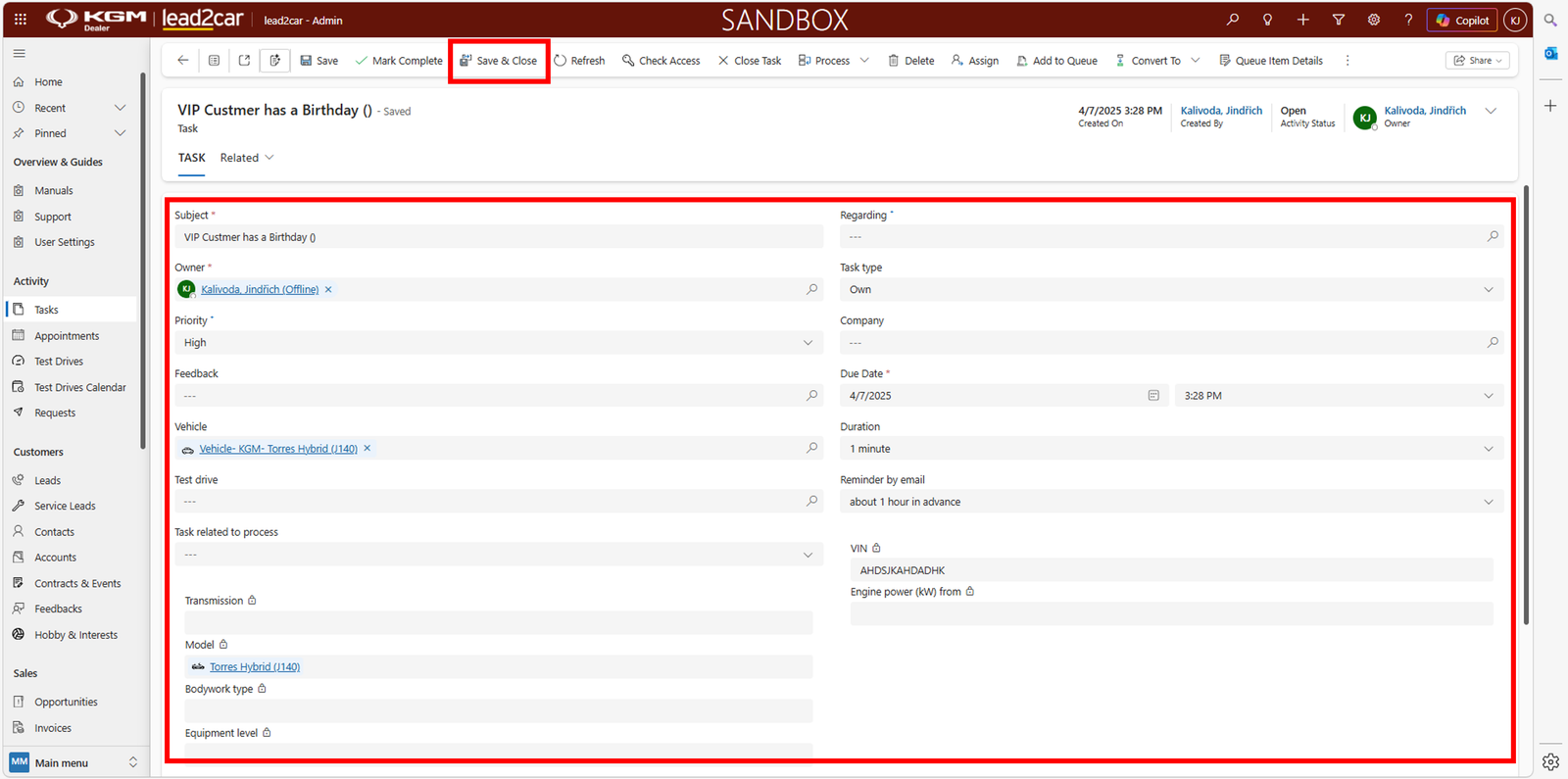
In the task form, fill in the required details:
- Subject – required field describing the task
- Owner – automatically filled based on the user
- Priority – optional
- Regarding – select related record (lead, customer, vehicle, etc.)
- Due date – defines when the task should be completed
After saving, the task appears in the task list.
When the due date is reached
The system sends a notification and the task should be completed
or updated.
Appointments
Appointments work in a similar way as tasks and are used for planning meetings. Typical use cases:
- Customer meetings
- Test drives
- Vehicle handovers
Creating an appointment
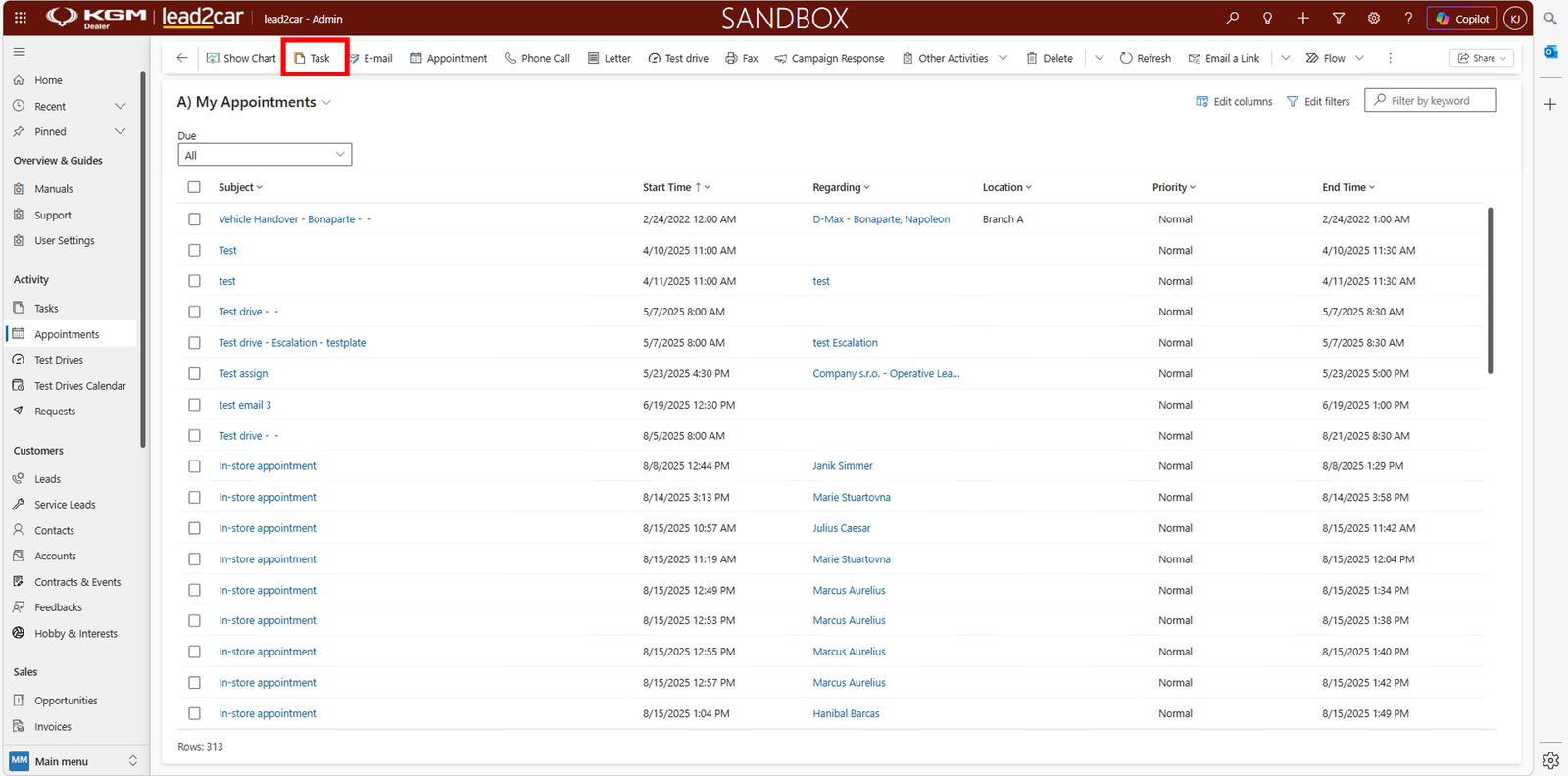
- Go to the Appointments section
- Click + New Appointment
Fill in the basic details:
- Subject – short description of the meeting
- Date and time – when the meeting takes place
- Related record – customer, lead, etc.
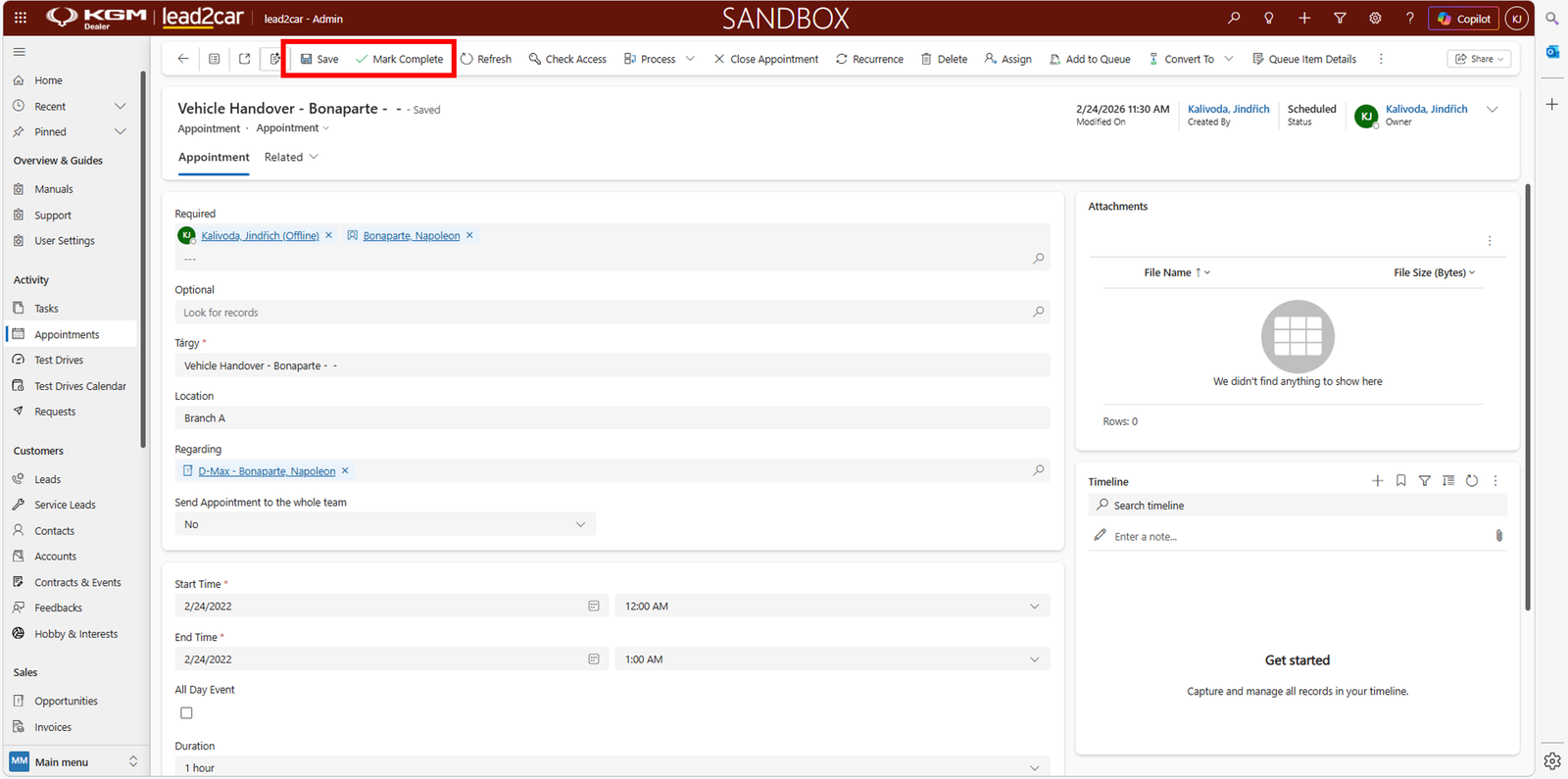
After saving, the appointment is scheduled and visible in the calendar or list.